



The answer, back in your inbox.
Receive Tallia’s response in Outlook, with numbered citations in the answer and supporting source links in the email.

Ask Tallia from Outlook or forward a client email. Return to the exchange in the platform, and turn the research into an editable reply.
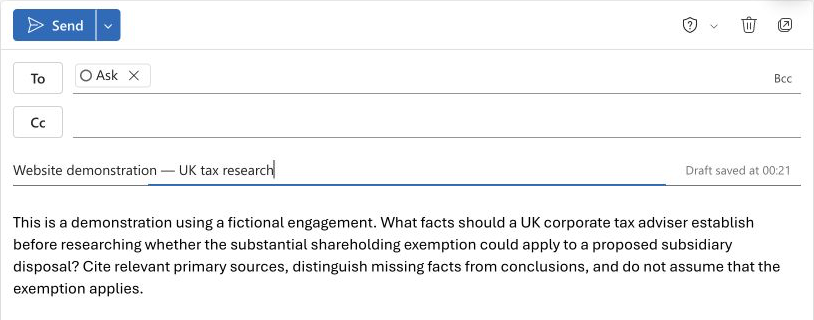
Research, in your inbox
Write to ask@revax.co.uk from Outlook. Ask your tax question and review the answer with its supporting sources.
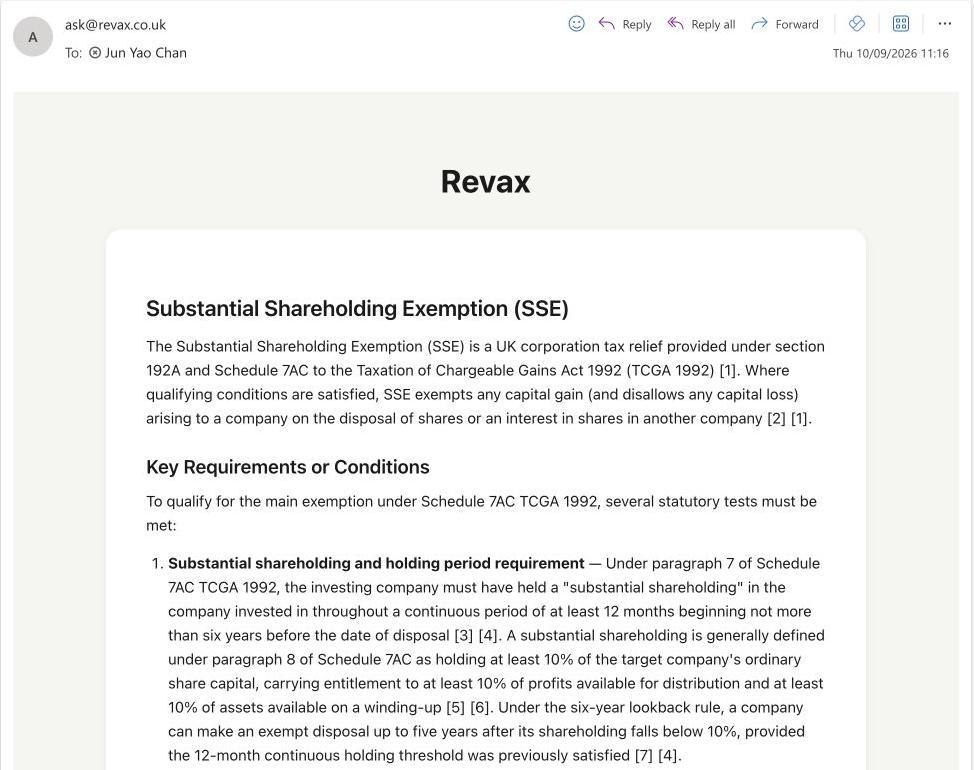
Receive Tallia’s response in Outlook, with numbered citations in the answer and supporting source links in the email.
Forward a client email with the relevant attachments and a short instruction. Ask for research, missing facts, or help preparing a response.
The email thread is also available as a chat. Find it in your Email history, reopen the question and answer, and continue with a follow-up or a draft reply.
Research becomes correspondence
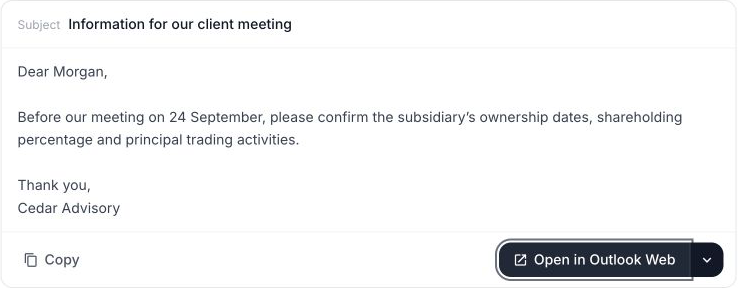
Ask Tallia to draft an email from the conversation. The subject and body stay editable, with the research context already in place.
Your judgement, throughout
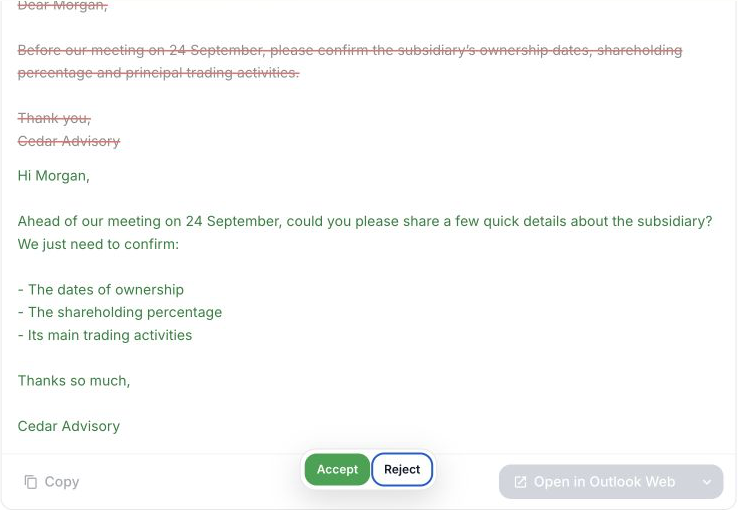
Select a passage and ask for a shorter, clearer version. Review the original wording alongside the proposed refinement before accepting it.
See it in practice
See an email take shape in Tallia, then continue with the prepared draft in Outlook.
Finish where you work
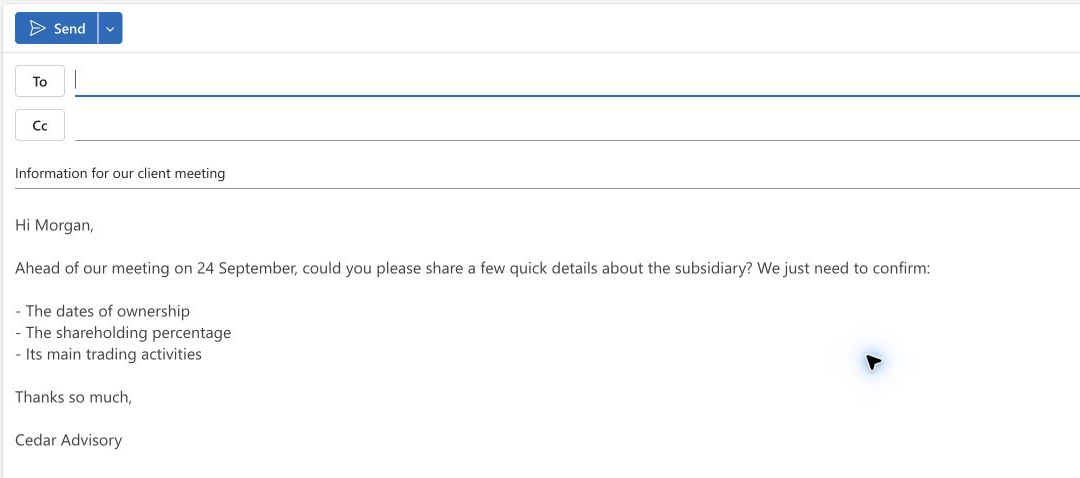
Open the prepared subject and body in an Outlook compose window. Continue editing, check the recipient, and send when you are ready.
The platform
A closer look
A 30-minute walkthrough on a real question from your team. No deck. We’ll run it live against your authorities.
Book a Demo